
My profile
The personal and legal details of your account, and changing your password. The settings are split into tabs.
How to open it
The account menu in the cabinet header, the Profile item. The page also opens through cabinet search by the word "profile".
What you can do
- Edit your personal details
- Fill in the legal details of your organisation
- Change your password
The interface
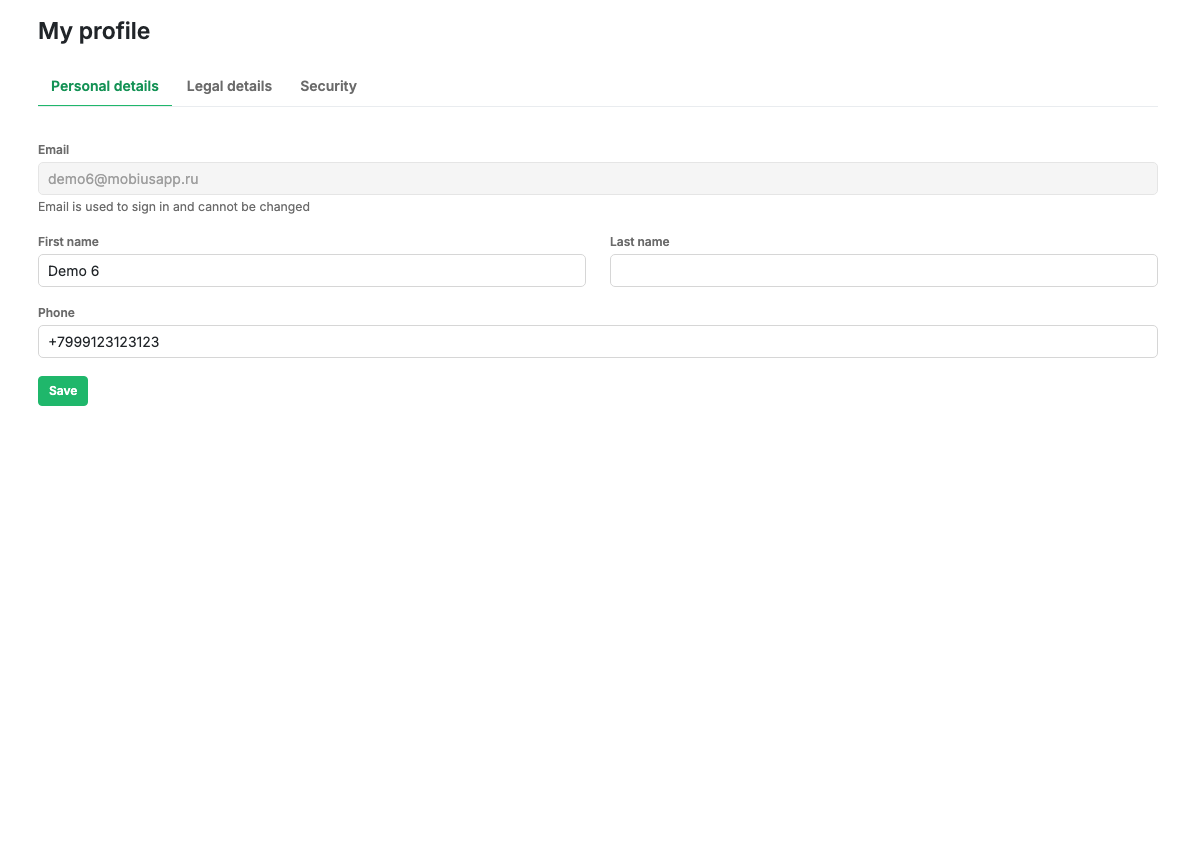
The Personal details tab
- Email: used to sign in and cannot be changed.
- First name, surname, phone: contact details.
The Legal details tab
- Legal form, for example a limited company or a sole trader.
- Organisation name.
- Tax and registration numbers.
- Registered address.
These details are needed to pay by invoice on the Plan and billing page.
The Security tab
Changing the password: the current password, a new password (at least 8 characters) and its repeat.
Scenarios
Change your password
- Go to the Security tab.
- Enter the current and the new password.
- Repeat the new password.
- Press "Change password".
Limits and caveats
- The email cannot be changed: it is used to sign in.
- Paying by invoice requires the legal details to be filled in.
Related pages
Updated 04.09.2026 18:04
Was this page helpful?