
Content sections
A content section is a rubric that posts are grouped by: "Blog", "News", "Promotions" and the like. Every post belongs to one section.
How to open it
The rail, the App group, Content, the Sections tab.
What you can do
- Browse the list of sections
- Create, edit and delete sections
The interface
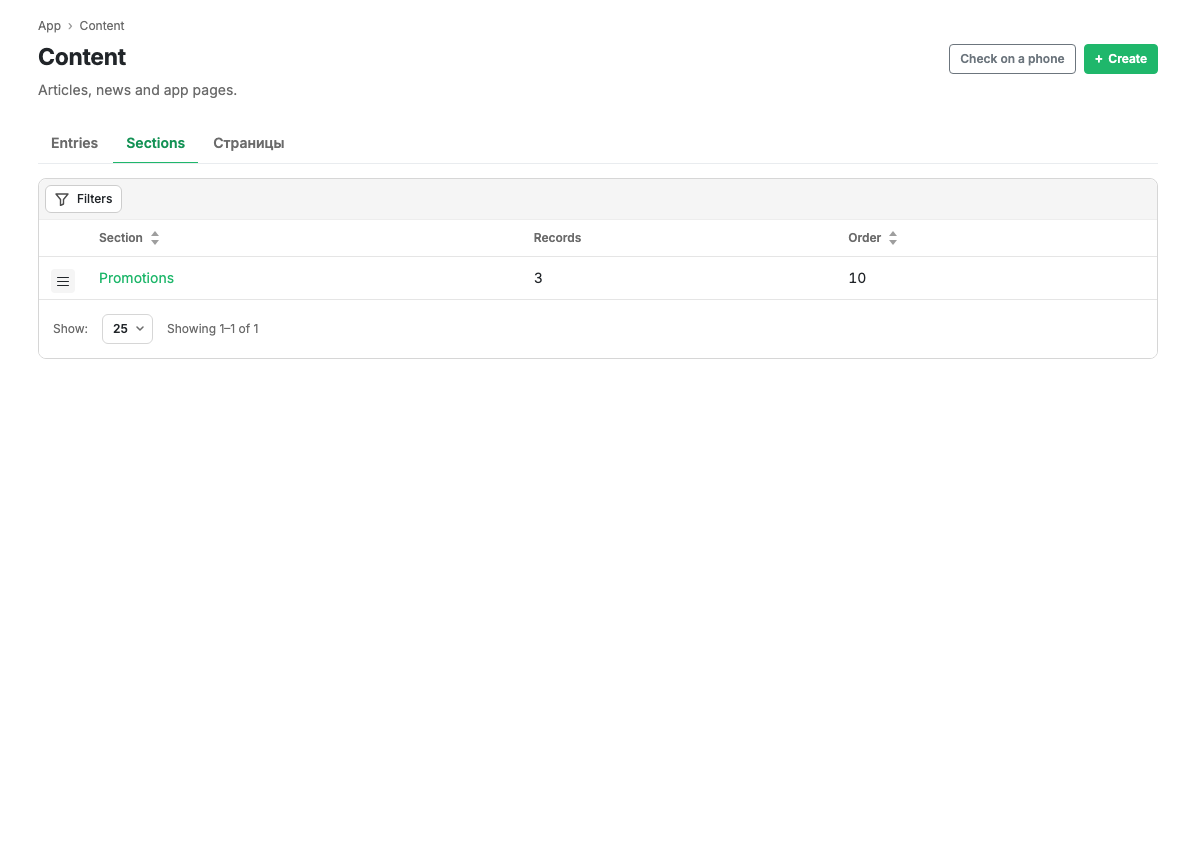
| Column | Contents |
|---|---|
| Section | The section name. Clickable, opens the card |
| Posts | How many posts are in the section |
| Ord. | The display order |
The menu at the start of a row opens the section card and deletion.
Scenarios
Create a section
- Press Create in the page header.
- Fill in the name and set up the feed appearance if needed.
- Press Save.
Limits and caveats
- A section with posts is deleted together with them. If you need the posts, move them to another section first.
Related pages
Updated 04.09.2026 18:04
Was this page helpful?