
Stores screen
The page switches the Stores section of the mobile app on or off. When the section is active, the app shows the list of stores and the features that go with it.
How to open it
The rail, the App group, Screens, the Stores card.
What you can do
- Switch the Stores section of the app on or off
The interface
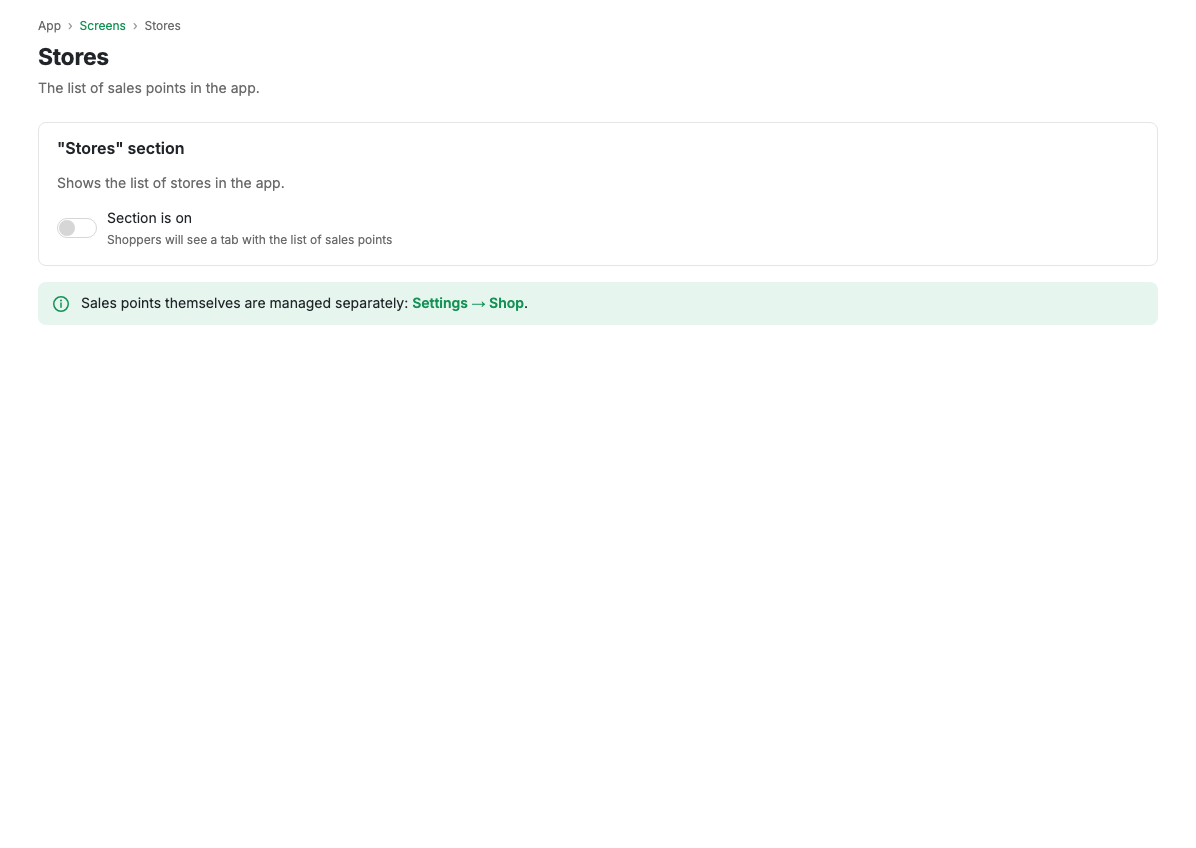
- Active: the switch for showing the Stores section in the app.
The stores themselves are created and edited in Points of sale.
Scenarios
Turn the Stores section on
- Turn on the Active switch.
- Press Save.
Related pages
Updated 04.09.2026 18:04
Was this page helpful?