
Sending rules
Limits that apply to every campaign at once: when to keep quiet and how often one person may be written to.
How to open it
Push campaigns, the Sending rules tab.
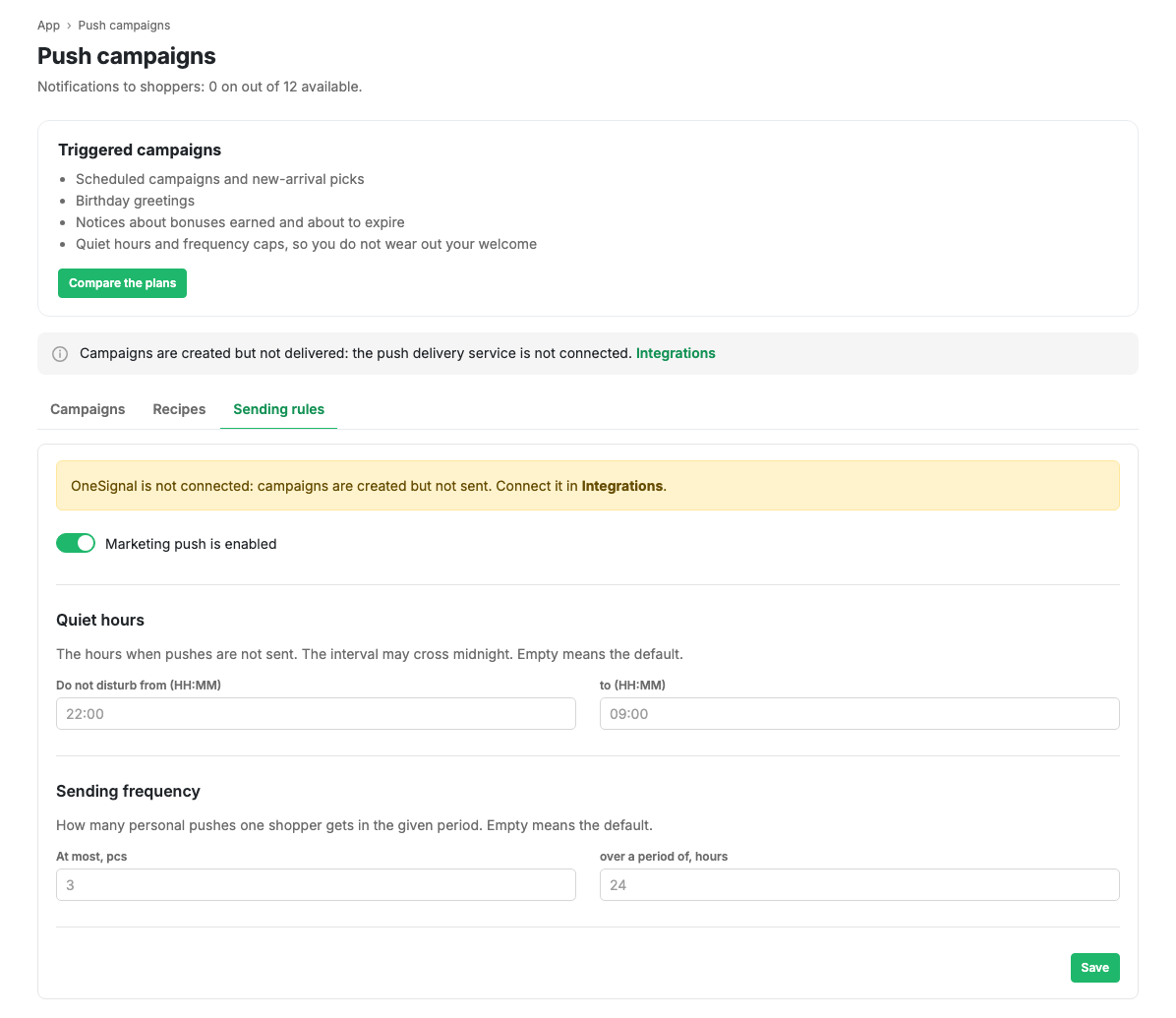
Marketing push enabled
The master switch. While it is off, no campaign goes out regardless of its own settings. It does not affect order notifications: those are not marketing.
Quiet hours
The time when push is not sent. The interval may cross midnight, for example from 22:00 to 09:00. Empty fields mean the defaults.
A campaign that was due during quiet hours is not lost: it goes out once the quiet window ends.
Sending frequency
How many personal pushes one shopper receives over a given time. Two fields: how many messages and over how many hours. Empty means the default.
The limit counts per person, not per campaign: if three campaigns reach the same shopper in a day and the limit is one, one arrives.
Limits and caveats
- An individual campaign can override both quiet hours and frequency in its own card. That is an exception, not a habit.
- The test send bypasses both quiet hours and frequency: it exists for checking.
- While the push delivery service is not connected, a warning sits at the top. The rules are still saved and will work as soon as the service appears.