
Campaign list
Every triggered campaign in the shop: what is on, what sets it off and how often it fires.
How to open it
Push campaigns, the Campaigns tab.
What the list shows
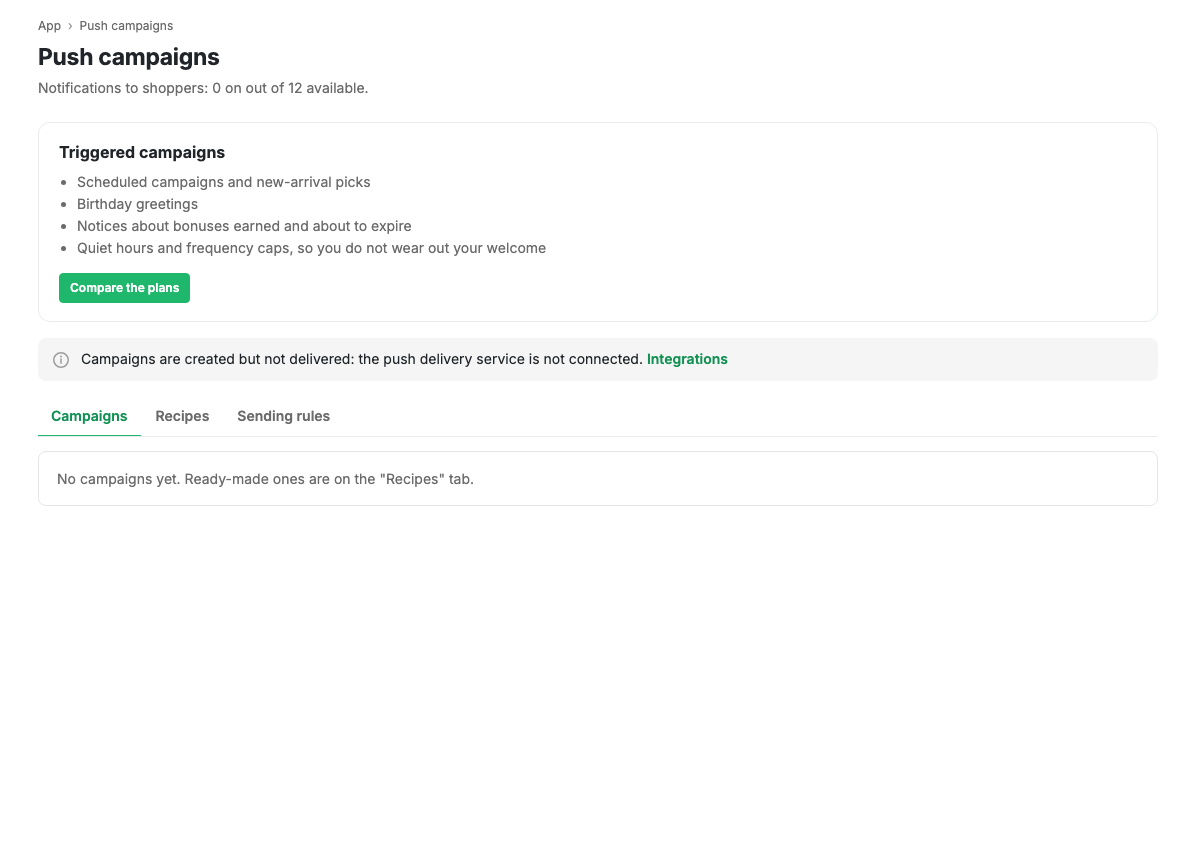
Each row is one campaign: name, trigger, audience, frequency limit and an active switch. The name is internal; the shopper never sees it.
While there are no campaigns, the list points you at Recipes: something ready works faster than something written from scratch.
What you can do
- Switch a campaign on and off without opening it.
- Open the campaign card and adjust the text, trigger or timing.
- Create a new campaign.
- Delete a campaign.
Limits and caveats
- The number of simultaneously active campaigns is limited by your plan. The counter is in the page subtitle.
- A switched-off campaign is not deleted and keeps all its settings: you can turn it back on at any time.
Related pages
Updated 04.09.2026 18:04
Was this page helpful?