
Partner access
A reseller partner is a company that brought you to the platform and can run your shop: configure the app, prepare publication, pay for the subscription. This page decides whether to let them into your cabinet.
How to open it
Settings, the Team group, the "Open partner access" link. The page also opens through cabinet search by the word "partner".
What happens here
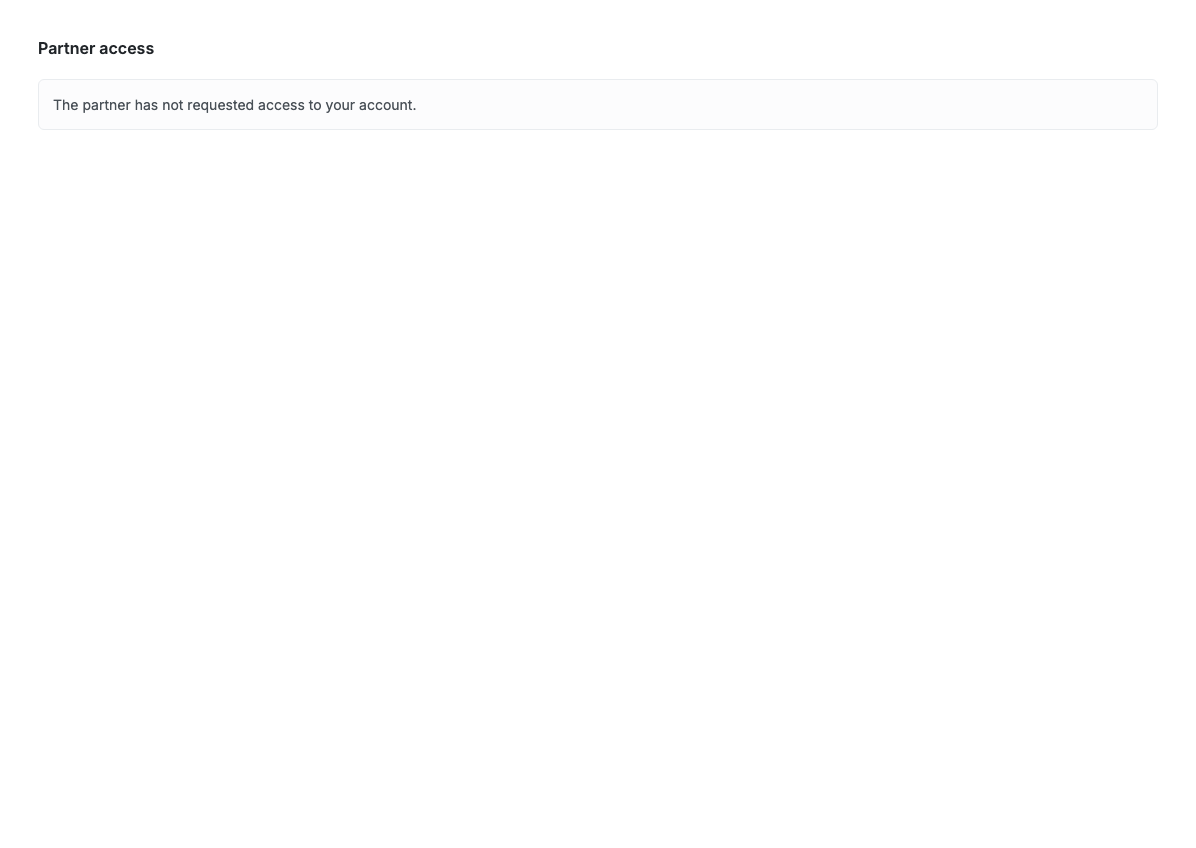
While no partner has requested access, the page shows only this note. There is nothing to do.
Once a partner has requested access, their request appears here: who is asking, what they would get access to, and Allow and Decline buttons. Granted access can be revoked here at any time.
What a partner with access sees
A partner works in your cabinet under their own identity, not under your account. Their actions show in the order history as partner actions.
If the partner pays for the subscription, your Plan and billing page becomes read-only: invoices go to them.
Limits and caveats
- Partner access works on any plan.
- Revoking access takes effect immediately but does not undo edits the partner has already made.
- If you have no partner, you will never see this request page.