
Team
Who besides you works with the shop: staff with their own sign-in, roles with permission sets, and partner access.
How to open it
Settings, the Team group.
Staff
A table of everyone with their own sign-in to orders: name, email, phone, role, number of permissions, last sign-in and access state. A staff member does not sign into the whole cabinet, only into the order console.
See Staff.
Roles
Role cards under the table. Each shows the name, how many permissions it carries, which orders its holder sees and a short explanation. The standard set is administrator, order manager, operator and courier.
The badge on the right of a card shows the visibility scope: all shop orders, or only orders of their own point of sale.
The Edit button opens the permission set, Delete removes the role. A role assigned to at least one person cannot be deleted.
See Staff roles.
Partner access
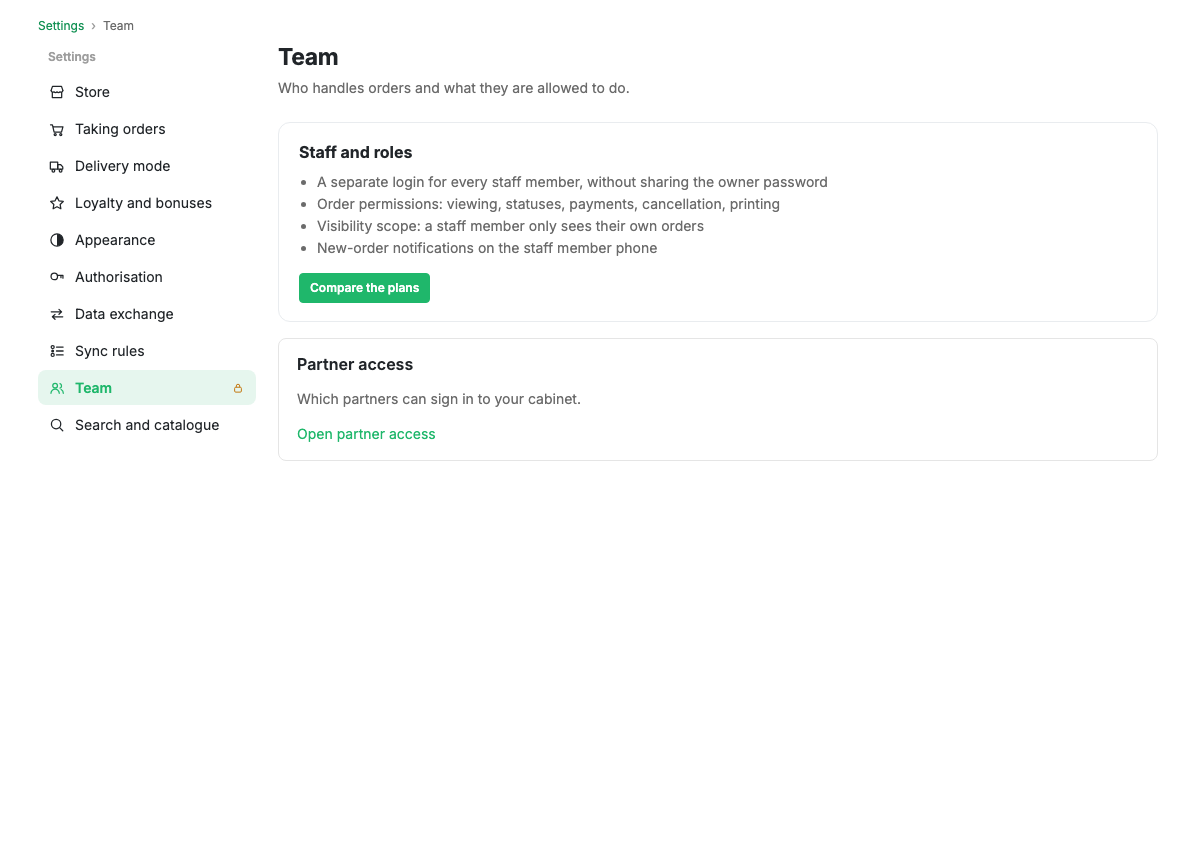
The block at the bottom answers whether a reseller partner may sign into your cabinet. The "Open partner access" link leads to Partner access.
Limits and caveats
- Staff and roles are opened by plan. The group itself is always visible: partner access works on any plan.
- A staff member does not see settings, the plan or billing. Only orders within their role.