
App Store
The text description of the app for the App Store: name, subtitle, categories, keywords and description. The icon and screenshots are set in App graphics.
How to open it
The rail, the Growth group, Publication, the App Store tab.
What you can do
- Fill in the app name, subtitle and description
- Choose App Store categories
- Set keywords, promotional text and copyright
- Give links to the privacy policy and support
The interface
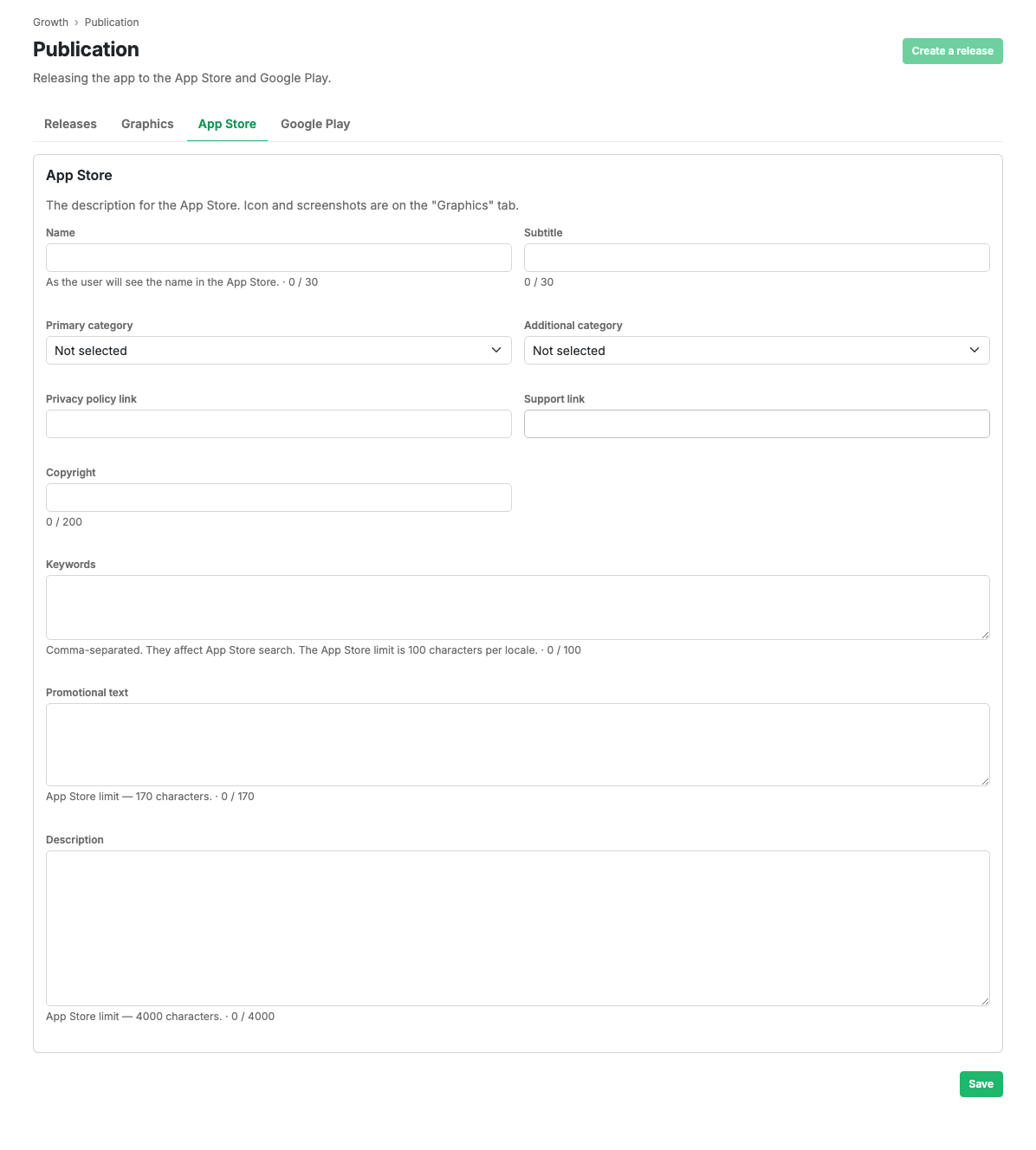
The heading is at the top and the Save button at the bottom of the form. Text fields show a character counter.
Fields
- Name: up to 30 characters, as the shopper sees it in the App Store.
- Subtitle: up to 30 characters.
- Primary category and secondary category: App Store categories from a list.
- Privacy policy link: a URL.
- Support link: a URL.
- Copyright: up to 200 characters.
- Keywords: comma separated, up to 100 characters. They affect App Store search.
- Promotional text: up to 170 characters.
- Description: up to 4,000 characters.
Scenarios
Fill in the App Store listing
- Enter the name and subtitle.
- Choose the primary and secondary categories.
- Fill in the keywords, promotional text and description.
- Add the privacy policy and support links.
- Press Save.
Limits and caveats
- Emoji and pictograms cannot be used in App Store fields.
- Field lengths are limited by App Store rules; the counter shows what is left.
- While a request is in review, editing is blocked until moderation finishes.
Related pages
Updated 04.09.2026 18:04
Was this page helpful?