
Brand list
The directory of product brands and suppliers. A brand is attached to a product and helps shoppers filter the catalogue by brand.
How to open it
The rail, the Catalogue group, Brands.
What you can do
- Browse the brand directory
- Filter by name and external code
- Sort by name, ordering and dates
- Create, edit and delete brands
The interface
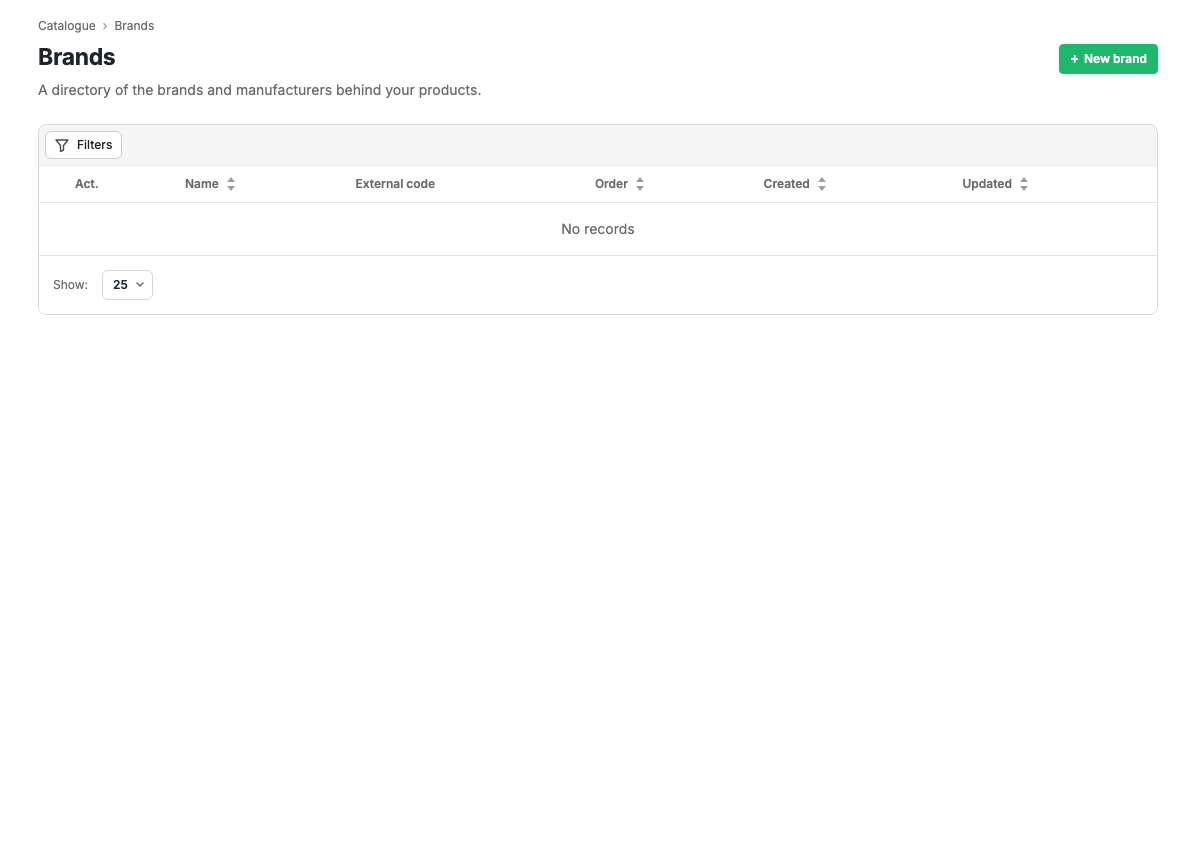
Table columns
| Column | Contents |
|---|---|
| Act. | Whether the brand is active |
| Name | The name; clickable, opens the card |
| External code | The code in an external system |
| Ordering | Display order |
| Created | Date and time of creation |
| Updated | Date and time of the last change |
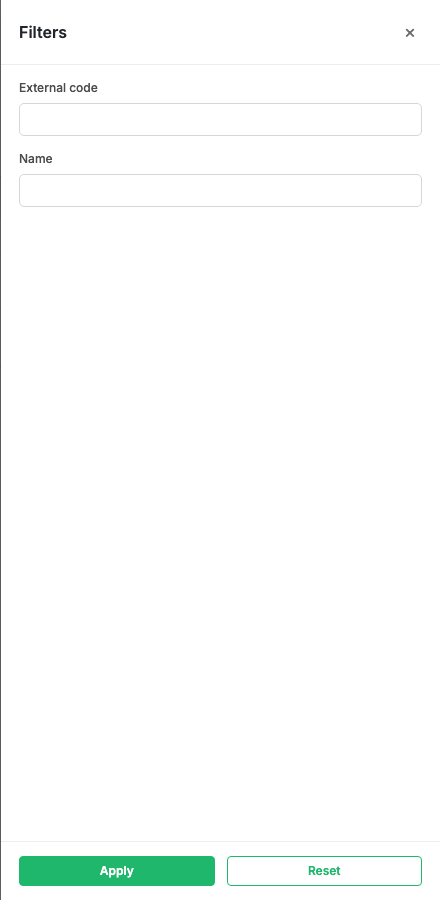
Filters
The Filters button opens a panel for filtering by name and external code.
Row actions
At the end of a row is an action menu: Edit and Delete (with confirmation).
Scenarios
Create a brand
- Press "New brand".
- Fill in the card and save.
Related pages
Updated 04.09.2026 18:04
Was this page helpful?