
Store reviews
Reviews of the app from the App Store and Google Play. This is where you read them, filter them and reply. Replies are sent to the store automatically within an hour of saving.
How to open it
The rail, the App group, Store reviews.
What you can do
- Read reviews from the App Store and Google Play
- Filter by source, rating and reply status
- Reply to reviews and edit a reply before it is sent
The interface
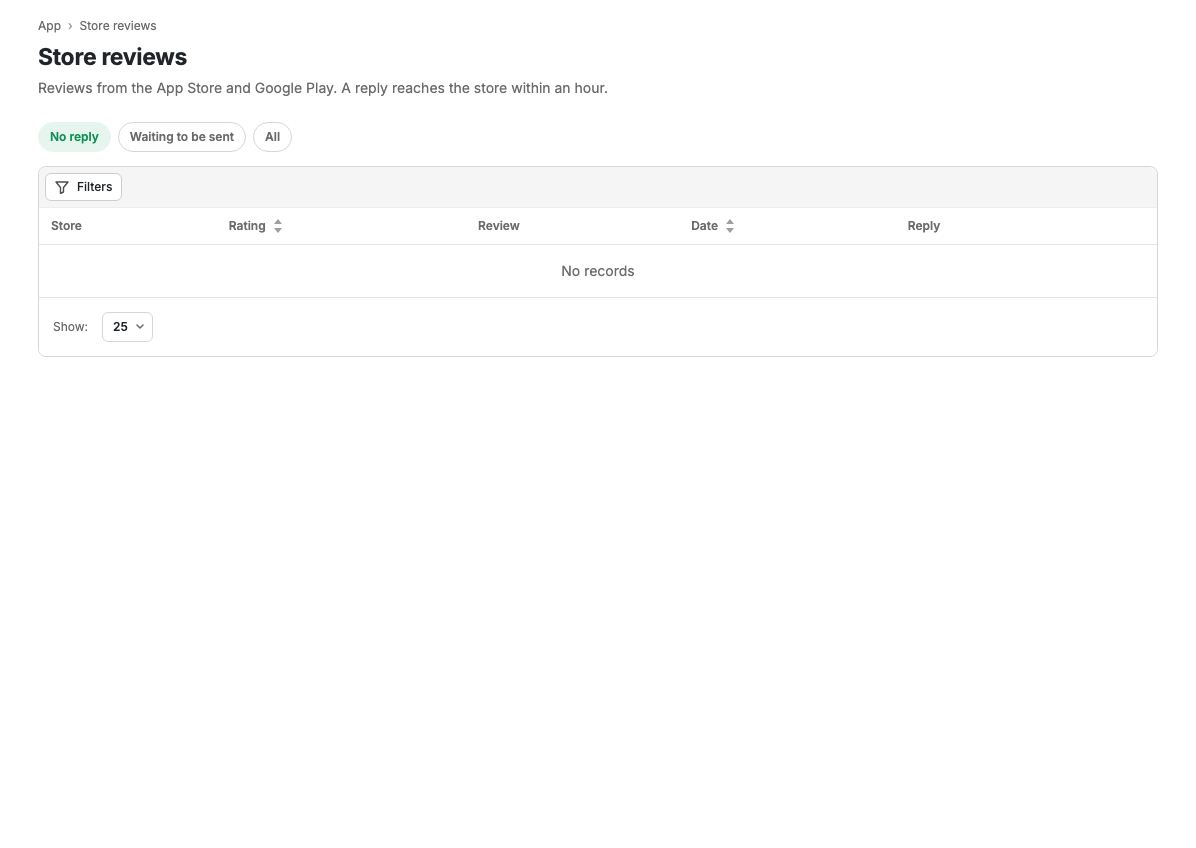
Reviews are shown as cards. Each card holds the source (App Store or Google Play), the star rating, the date, the author's name if there is one, the reply status and the review text.
Reply status
- No reply: the review has not been answered yet.
- Awaiting sending: the reply is saved and queued for the store.
- Reply sent: the reply is published in the store.
Filters
Filtering is available by source (App Store, Google Play), rating (1 to 5 stars) and reply status.
Replying to a review
Until a reply is sent, a reply field and a send button sit under the review text. Once saved, the reply is queued and published in the store within an hour. A sent reply is shown in a separate block and can no longer be edited.
Empty state
If no reviews match the chosen filters, the message "No reviews found" is shown.
Scenarios
Reply to a review
- Find the review, filtering by rating if needed.
- Write the text in the reply field.
- Press Reply.
- The reply goes to the store within an hour.
Limits and caveats
- Reviews come from the App Store and Google Play: they are reviews of the app, not of products.
- A reply is not sent instantly but within an hour of saving.
- A sent reply cannot be changed.