
Delivery mode
The shop profile. An ordinary shop sells goods from a warehouse; food and water delivery works differently, with service zones, delivery windows and its own basket. The mode switches the whole storefront.
How to open it
Settings, the Delivery mode group.
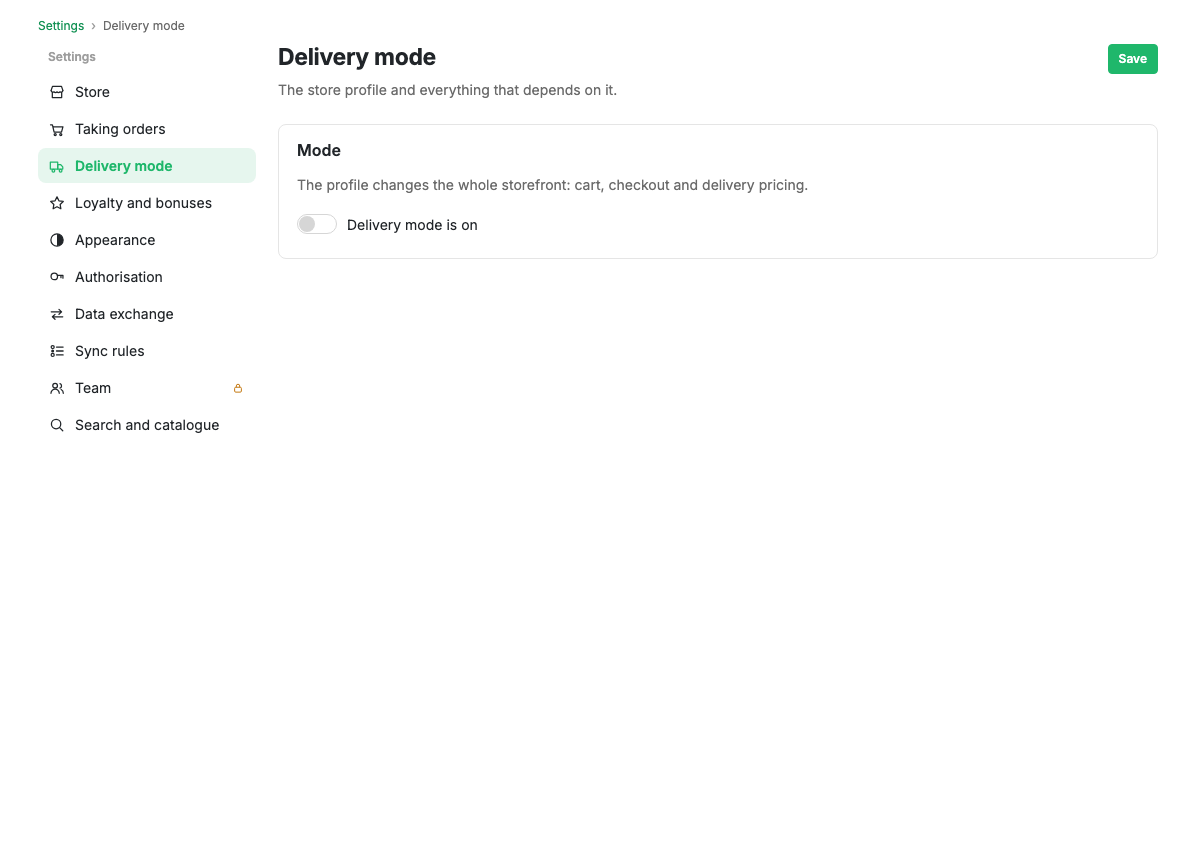
Mode
While the "Delivery mode active" switch is off, the shop behaves as an ordinary one: the rest of the page is hidden and there is nothing to set up.
Once it is on, you choose a profile:
- Food delivery: the menu is tied to a point of sale, and the shopper first picks a restaurant or a district and then builds an order from its menu.
- Water delivery: the order is priced by zone, and products gain returnable packaging.
Service modes
How the shop serves a shopper: delivery, pickup or both. The storefront only offers the modes you select.
Opening hours
Separate hours for delivery and for pickup. Outside those hours the app warns the shopper and will not let them place an order for the current time.
Storefront behaviour
This is where the settings that only make sense for delivery live:
- Separate catalogues per point of sale: every point has its own menu. A product appears in a point's menu when its warehouse has positive stock, and a section appears where it is explicitly attached. A section with no attachments is shown everywhere.
- Do not mix orders from different points: items missing from the chosen point's menu are removed from the basket automatically.
- Returnable packaging for the water delivery profile.
Limits and caveats
- Separate catalogues only work in the food delivery profile.
- Until the shopper has chosen a point, the catalogue in this mode is empty. That is deliberate: showing somebody else's menu is worse than showing the choice of point.
- Price and availability come from the chosen point, so the price range in catalogue filters is calculated across all points at once.
Related pages
Updated 04.09.2026 18:04