
Points of sale
Shops, warehouses and pickup points: where orders are shipped from and where the shopper comes. Stock and prices are tracked per point.
How to open it
Settings, the Store group, the Points of sale block. The section also opens through cabinet search by the words "points of sale" or "warehouse".
What you can do
- Browse the list of points
- Filter by name and external code
- Create, edit and delete points
The interface
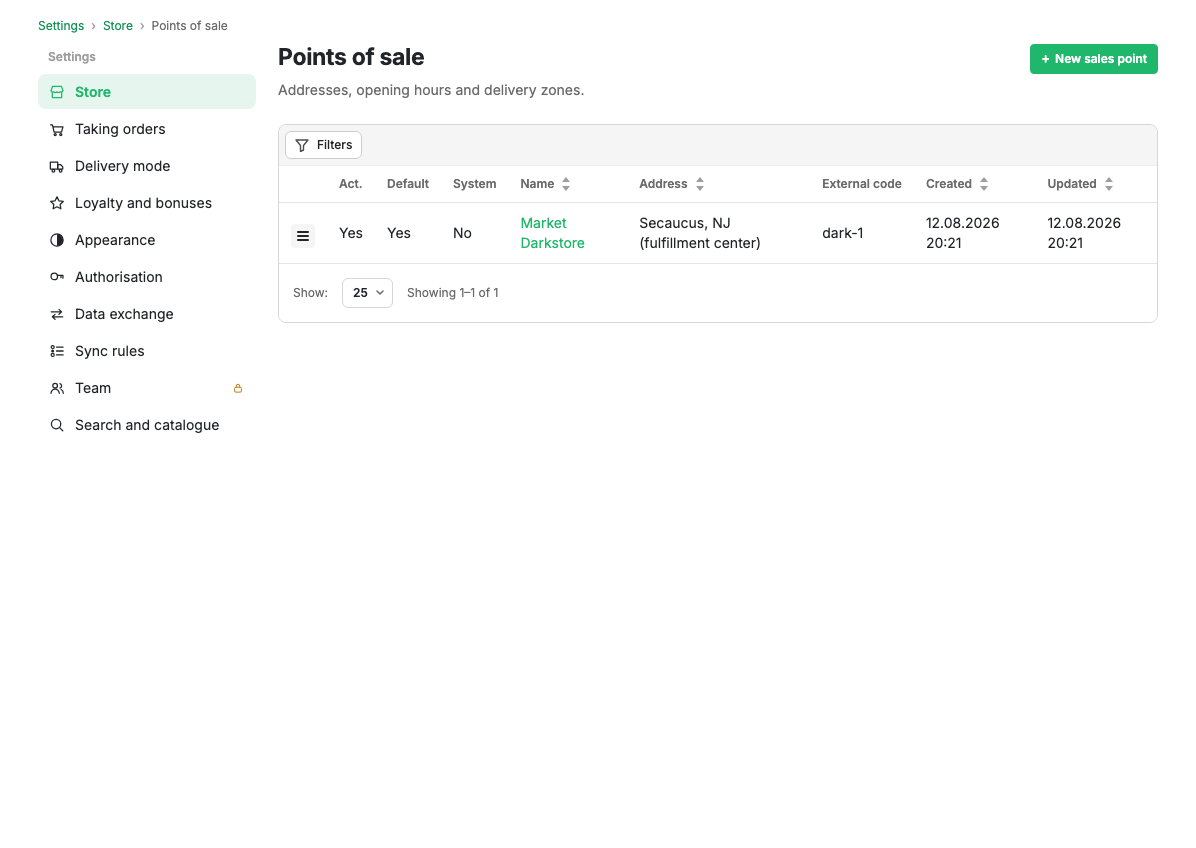
Table columns
| Column | Contents |
|---|---|
| Act. | Whether the point is active |
| Default | The default point: selection starts from it and stock is counted against it |
| System | A warehouse for accounting, not shown to shoppers |
| Name | The name. Clickable, opens the card |
| Address | The point's address |
| External code | The code in an external system |
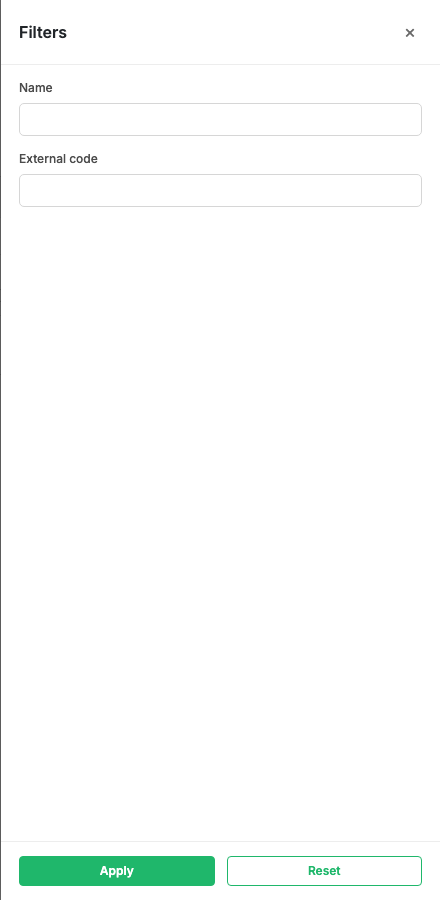
Filters
The Filters button opens a panel for filtering by name and external code.
Row actions
The row menu opens the point card and deletion with confirmation.
Scenarios
Add a point of sale
- Press "New point of sale".
- Fill in the card and save.
Limits and caveats
- The number of points of sale is limited by your plan. The current value and the ceiling are in Capabilities.
- There must be exactly one default point: making a new one default clears the flag on the old one.
- A point with stock and orders against it cannot be deleted.
Related pages
Updated 04.09.2026 18:04
Was this page helpful?